How do I send example messages to support?
How to send your template and a generated email to support, the examples we need to diagnose issues, since we never access your mailbox.
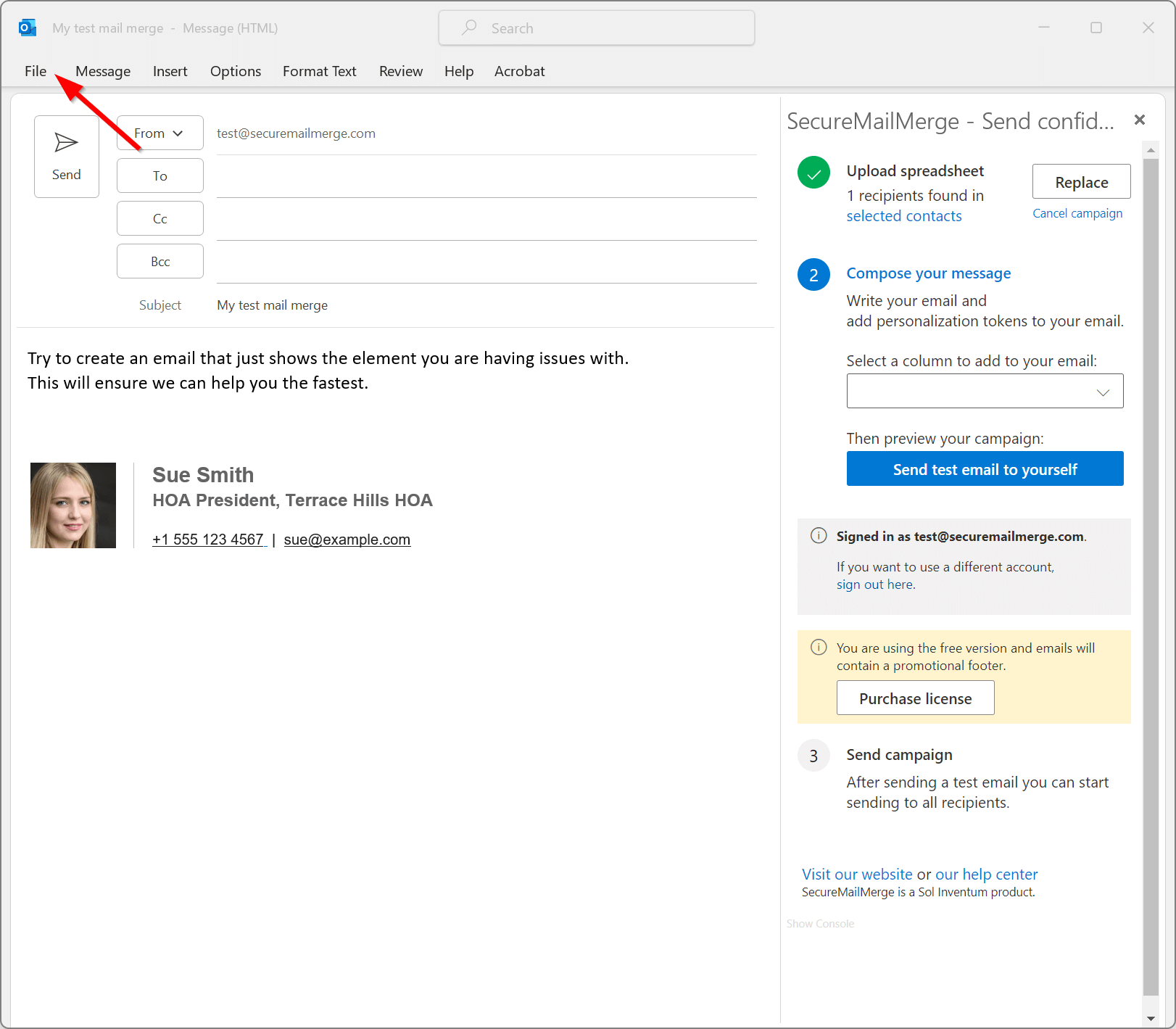
Start a new email and add the content that is causing the issue. For the fastest possible help, we encourage you to add only the problematic part to the email, as it will help us identify the issue more quickly.
When you have done so, open the “File” menu.
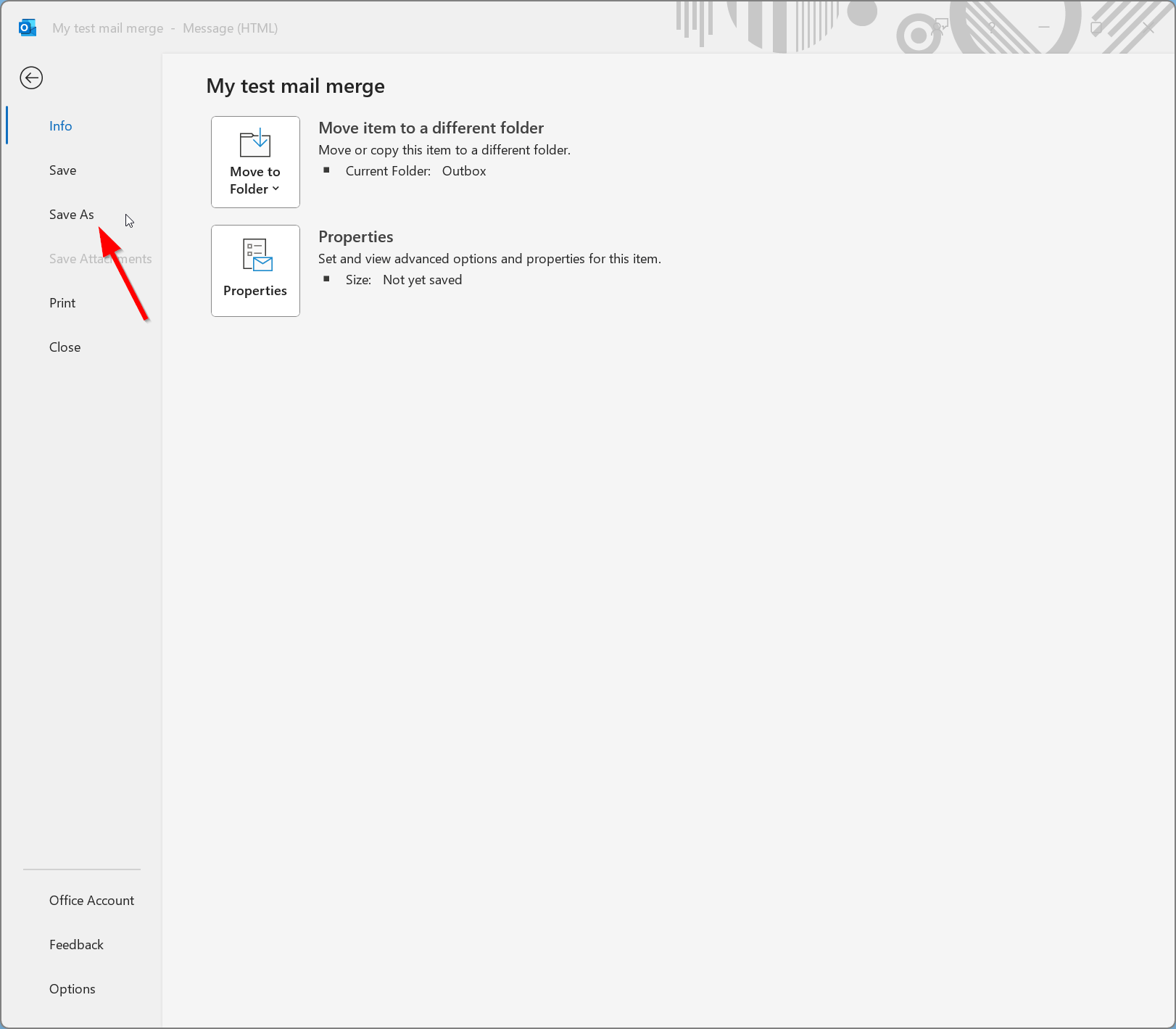
In the menu that opens, click “Save as.”
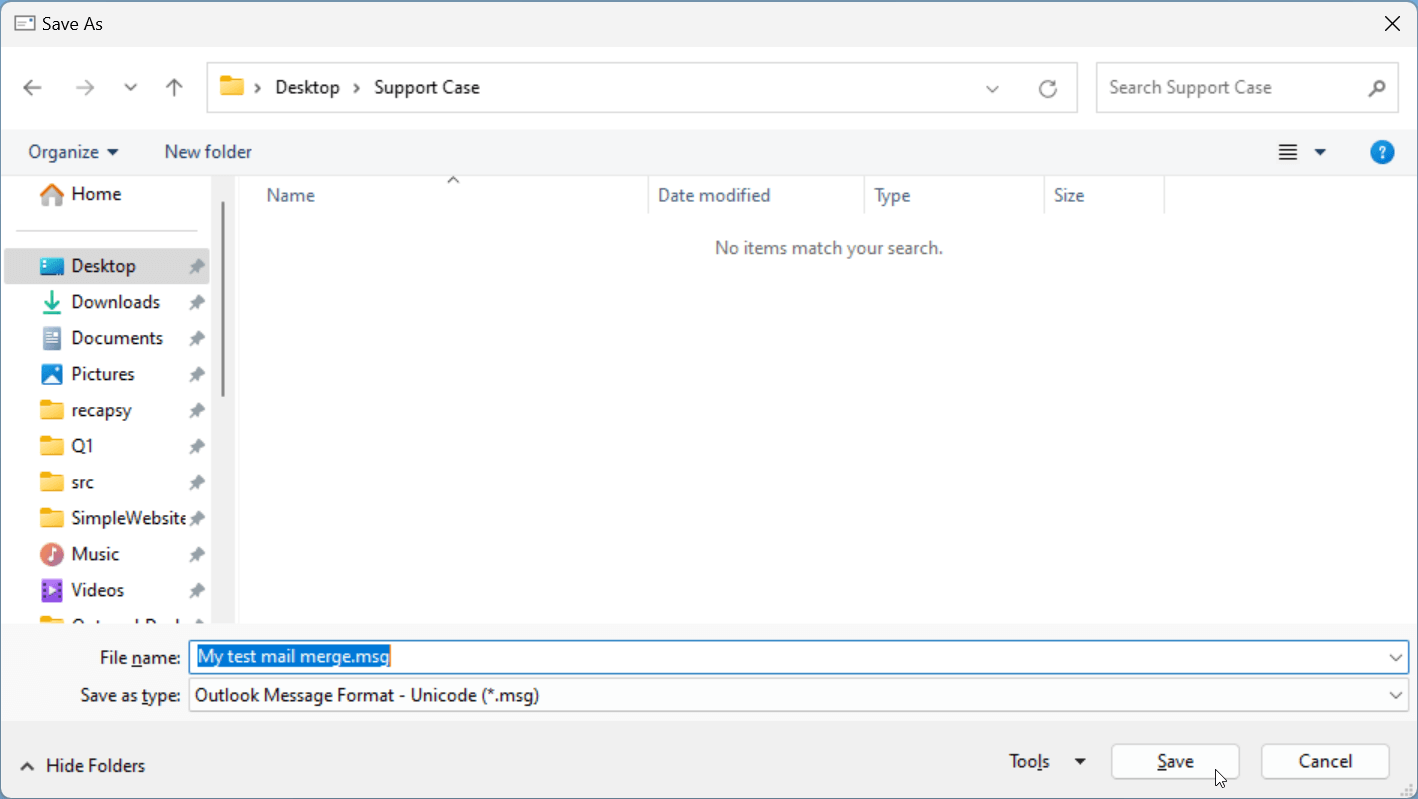
At the bottom, next to “Save as type,” make sure you select “Outlook Message Format - Unicode (*.msg).” This should be the default.
The file name will be the subject of the email, which is fine, or you can call it “Template.msg.” Then click “Save.” Remember where you saved the file for the last step.
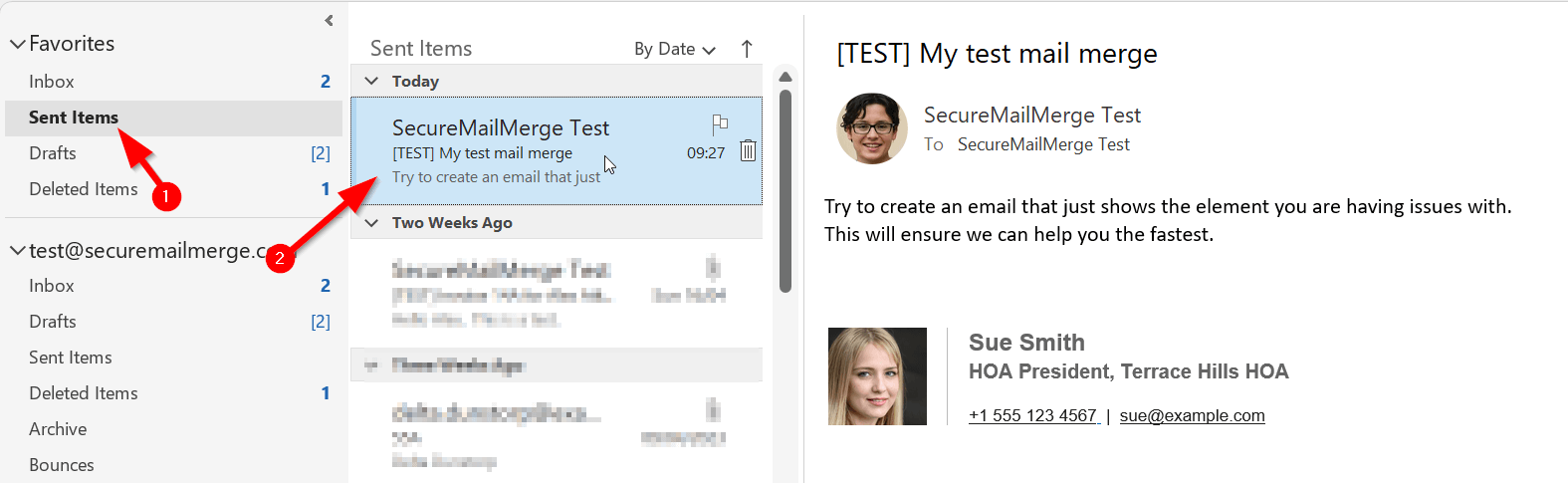
Next, send yourself a test message from the template using the SecureMailMerge Campaign Manager.
In your main Outlook window, head to the “Sent Items” folder. The top message should be the test message. Double-click the message to open it in a new window.
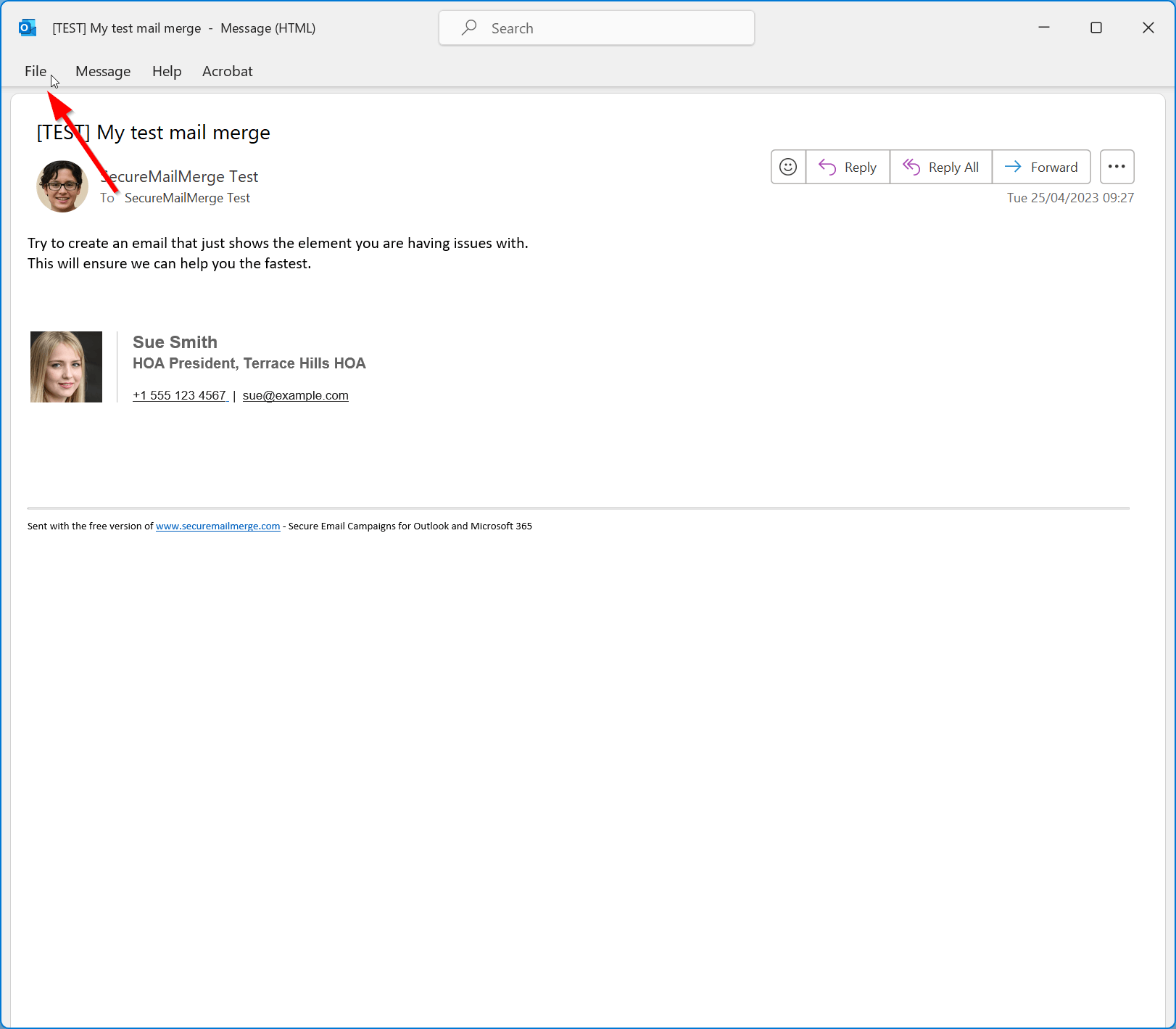
The message will look similar to your template, but the subject line will start with [TEST]. Open the “File” menu.
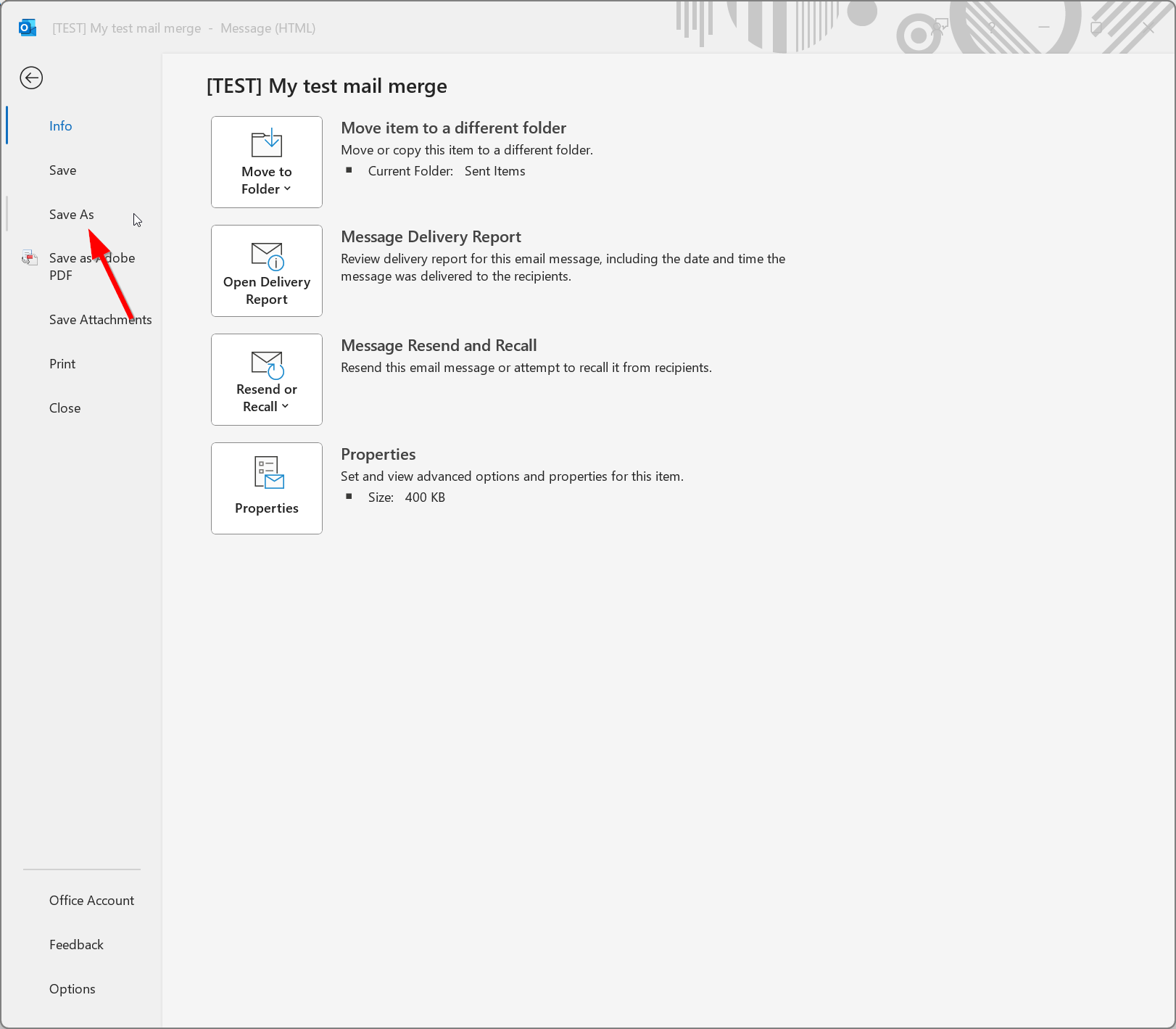
In the menu that opens, click “Save as.”
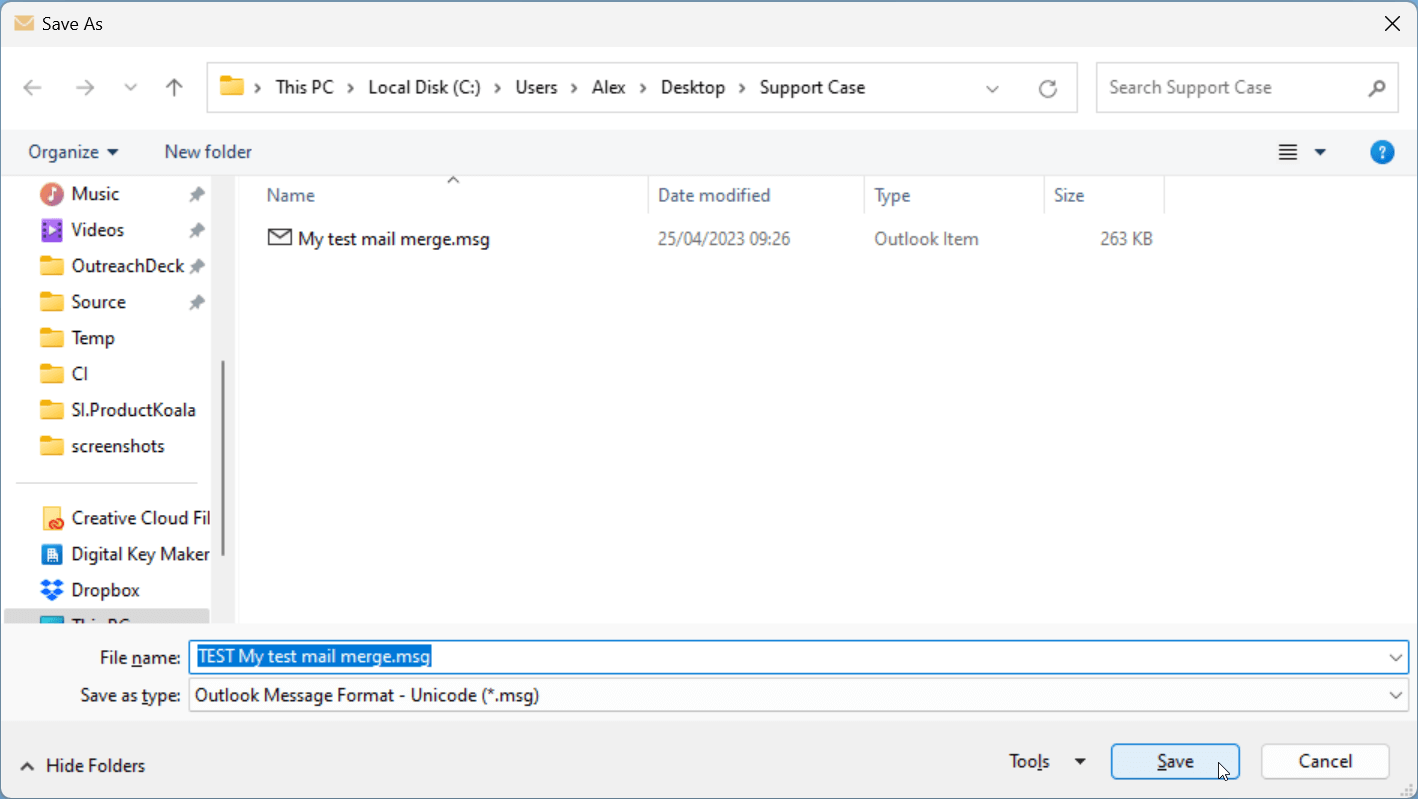
At the bottom next to “Save as type” make sure you select “Outlook Message Format - Unicode (*.msg)”. This should be the default.
The file name will be the subject of the email which is fine, or you can call it “Template.msg”. Then click “Save”. Remember where you saved the file for the last step.
Send both files to help@securemailmerge.com with a brief explanation of what happened and what you expected to happen. We will check the files and see if a solution is possible.
Ready to improve your mail merge?
SecureMailMerge for Outlook
Runs inside Outlook, with no external app needed.
Free version, no credit card required.
Purchase license to remove promotional footer.